
AI Meeting Notes: Templates, Examples, and Proven Tactics

Updated on October 13, 2026 to reflect note1's current plans and features.
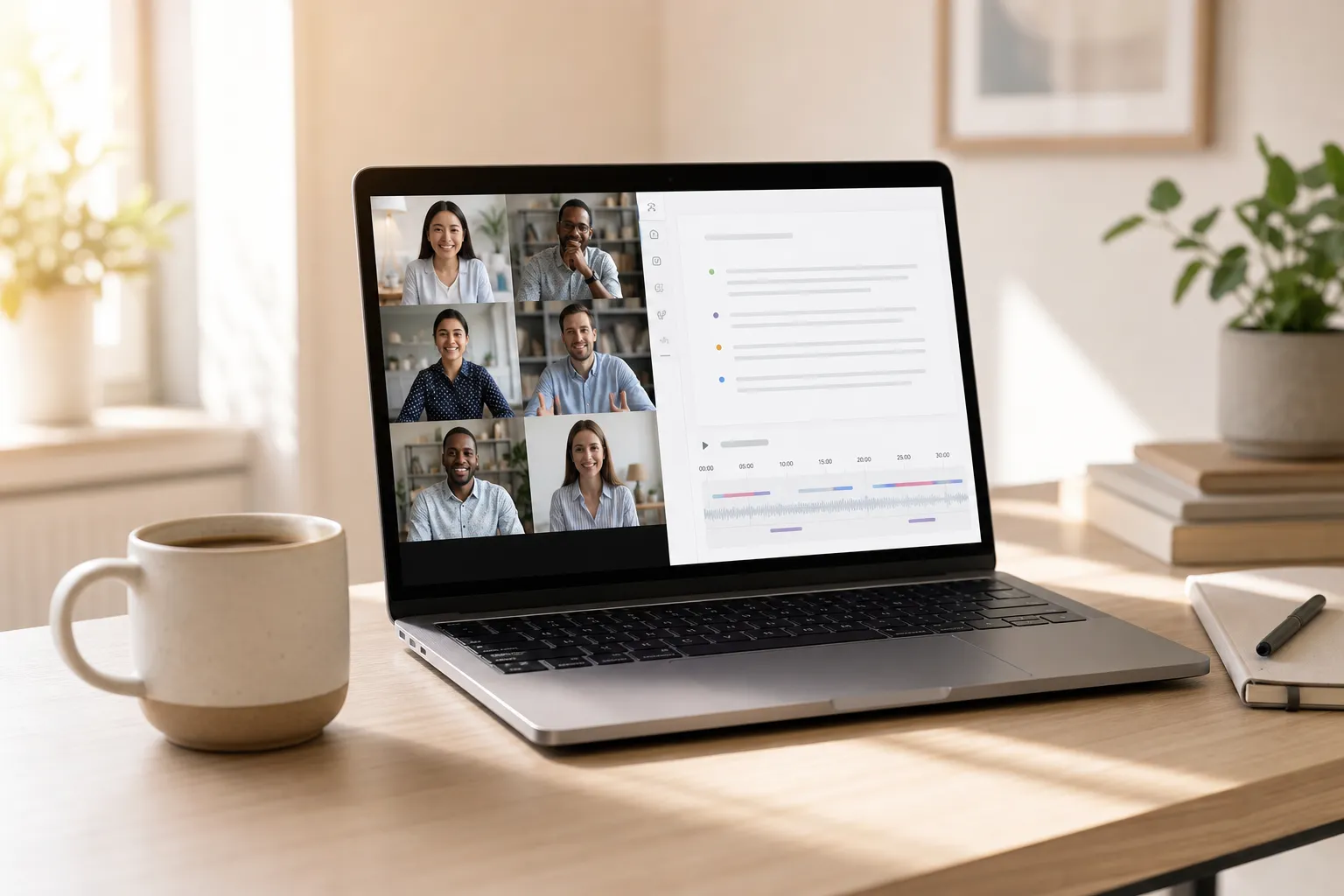
Teams rarely fail for lack of discussion. They fail because the decisions, owners, and deadlines are hard to find after the call. An AI note taker for meetings fixes that by capturing the entire conversation, pulling out what matters, and turning talk into trackable work.
Use this playbook to turn any Google Meet into structured, searchable notes your team can trust. You will see concrete templates, phrasing that helps AI extract better outcomes, and how a meeting assistant like note1.ai fits into the workflow.
Set the stage before you hit Join
Good notes start before the first hello. Give the meeting a single purpose, a concise meeting agenda, and a clear expected outcome in the calendar invite. This gives participants context and teaches your AI assistant what to summarize.
- Write a one-line purpose: In the invite description, add a first line that completes this sentence: We are meeting to... For example: We are meeting to choose a vendor for payment processing.
- Add a concise agenda: 3 to 5 bullets is enough. Example: Options review, risk check, cost comparison, decision and next steps.
- State the expected outcome: Close with a line like Outcome: select a vendor and assign migration plan owner.
- Use a naming convention: Title notes so they sort and search well: 2026-06-27 Sprint Planning S14 or 2026-06-27 Customer ABC QBR.
- Get consent right: If you record, open with a 5-second script: We are recording and transcribing this Google Meet so we can share decisions and action items. Please say if you prefer to pause recording.
note1.ai connects to Google Calendar to auto-join scheduled Meet calls. That ensures the recording, transcript, and AI summary start on time without manual setup.
Capture a reliable record during the call
Memory is not a system. Use recording and Google Meet transcription so you can revisit the discussion and point to the exact moment a decision was made.
- Say outcomes out loud: When a decision lands, verbalize it in a short sentence that starts with Decision: Example: Decision: we will adopt Stripe due to EU coverage and lower risk.
- Name owners and dates explicitly: Short, rigid phrasing helps extraction: Action: Alex to deliver API spec by Jul 8. or Action: Sam to confirm budget by Friday.
- Mark open questions: Use the prefix Question: so unresolved items are easy to surface later: Question: do we need PCI Level 1 this quarter?
- Keep attribution clean: note1.ai detects speakers and lets you confirm labels, so quotes and decisions tie to the right person. That saves rework after the call.
Structure the note the same way every time so people know where to look and summaries are consistent:
- Summary: 2 to 4 sentences with the outcome, why, and next steps.
- Decisions: Bullet list of final calls and brief reasoning.
- Action items: Each with owner, due date, and context.
- Key questions: Unresolved items to revisit.
- Highlights: Moments worth rewatching or citing.
Example snippets you can speak or paste at the end of a call:
- Summary: We chose Stripe for EU coverage and lower integration risk. Alex will draft the API spec by Jul 8. Sam will confirm budget by Friday.
- Decisions: Adopt Stripe for payments; de-scope Apple Pay for phase 1.
- Action items: Alex — API spec — Jul 8. Sam — budget confirmation — Jun 30.
- Key questions: Do we require PCI Level 1 this quarter?
Turn conversation into decisions, tasks, and searchable memory
Raw transcripts are long. Use AI to map the discussion and jump straight to what you need.
- AI highlights and topics: note1.ai detects themes, questions, and action items and places them on the playback timeline. Click a highlight to rewatch only the critical minute.
- Action item extraction: The assistant pulls follow-ups with owners and timestamps from the transcript. Review and confirm assignments so there is one clean list of commitments.
- Transcript search: When someone asks, “Where did we decide that?”, search a phrase like de-scope Apple Pay and jump to the exact point in the recording. Meeting search helps you find the right meeting across your workspace.
- Link moments together: When a question from last week gets answered today, add a link or reference the timestamp in the new note so the chain of reasoning is traceable.
- Use speaker analytics thoughtfully: After high-stakes calls, check talk-time and pacing. If one voice dominated, plan facilitation tweaks for the next session.
Share and maintain a single source of truth:
- Send the summary, decisions, and action items within 15 minutes while context is fresh.
- Send AI meeting recaps to Slack when the team continues the discussion there.
- Fix any speaker label errors before sharing to avoid misattribution.
- Do not duplicate notes in multiple docs. Link back to the recording and transcript so updates happen in one place.
Templates that raise quality across common meetings
1-on-1s that drive growth
- Purpose: Develop the person and unblock execution.
- Agenda: Wins since last 1-on-1, blockers, progress on goals, feedback both ways, actions.
- Prompts you can reuse: What should we stop, start, continue? Where did time go last week? What one change would make work easier?
- Notes pattern: One paragraph summary, then action items with owners and dates. Revisit last week’s actions to close the loop.
See how AI meeting notes for one-on-one meetings connect this structure to searchable transcripts, summaries, privacy controls, and follow-up actions.
Sprint planning that survives the week
- Purpose: Commit to outcomes the team can actually ship.
- Agenda: Sprint goal, capacity and PTO, top risks, must-haves vs nice-to-haves, explicit de-scopes, actions.
- Prompts: What is the exit criterion for the sprint goal? What work can slip with least user impact? What risk would kill the sprint if ignored?
- Notes pattern: Start with the sprint goal. Capture de-scopes in their own list. Use action items to record owners for each risk mitigation.
Hiring interviews that compare fairly
- Purpose: Evaluate against predetermined competencies, not gut feel.
- Agenda: Intro, role context, competency deep dives, candidate questions, recommendation.
- Prompts: Ask for specific examples with metrics. Capture quotes and timestamps to support your rating.
- Notes pattern: Strengths, concerns, evidence, and a clear recommendation with rationale. For top-of-funnel, teams often pair structured interview notes with an AI CV screening tool that reviews large batches of resumes against set criteria to produce an explainable shortlist for hiring panels.
How note1.ai puts it into practice
note1.ai works with Google Meet, Microsoft Teams, and Zoom to record and transcribe calls, generate outcome-first summaries, and organize searchable notes. Here is how to put it to work in minutes:
- Connect Google Calendar: Grant access so note1.ai can auto-join scheduled Meet calls and file recordings under the right workspace.
- Enable recording and transcription: Confirm settings so every call is captured and converted to text you can scan and search.
- Use outcome-first phrasing: During the call, say Decision:, Action:, and Question: so the assistant cleanly extracts highlights and tasks.
- Review the AI summary: After the call, skim the 2 to 4 sentence recap, decisions, and action items. Edit for nuance if needed.
- Jump by topic: Use highlights and the insights sidebar to replay only the moments you need for docs or follow-ups.
- Search later with confidence: Find past decisions across your meeting history with meeting search, then share the exact timestamp instead of paraphrasing.
The result is a dependable source of truth. Hours of discussion become scannable notes with owners and dates, supported by a recording you can reference in seconds.
Key takeaways
- Start with a one-line purpose, a short agenda, and a clear expected outcome in the invite.
- Record and use Google Meet transcription so you can quote decisions instead of debating them.
- Say Decision, Action, and Question out loud to boost AI summary quality and task extraction.
- Keep decisions and action items separate from narrative so owners and dates are easy to scan.
- Templates for 1-on-1s, sprint planning, and interviews keep quality consistent across the team.