
Automated Meeting Summaries: From Raw Calls to Clear Recaps

Updated on October 13, 2026 to reflect note1's current plans and features.
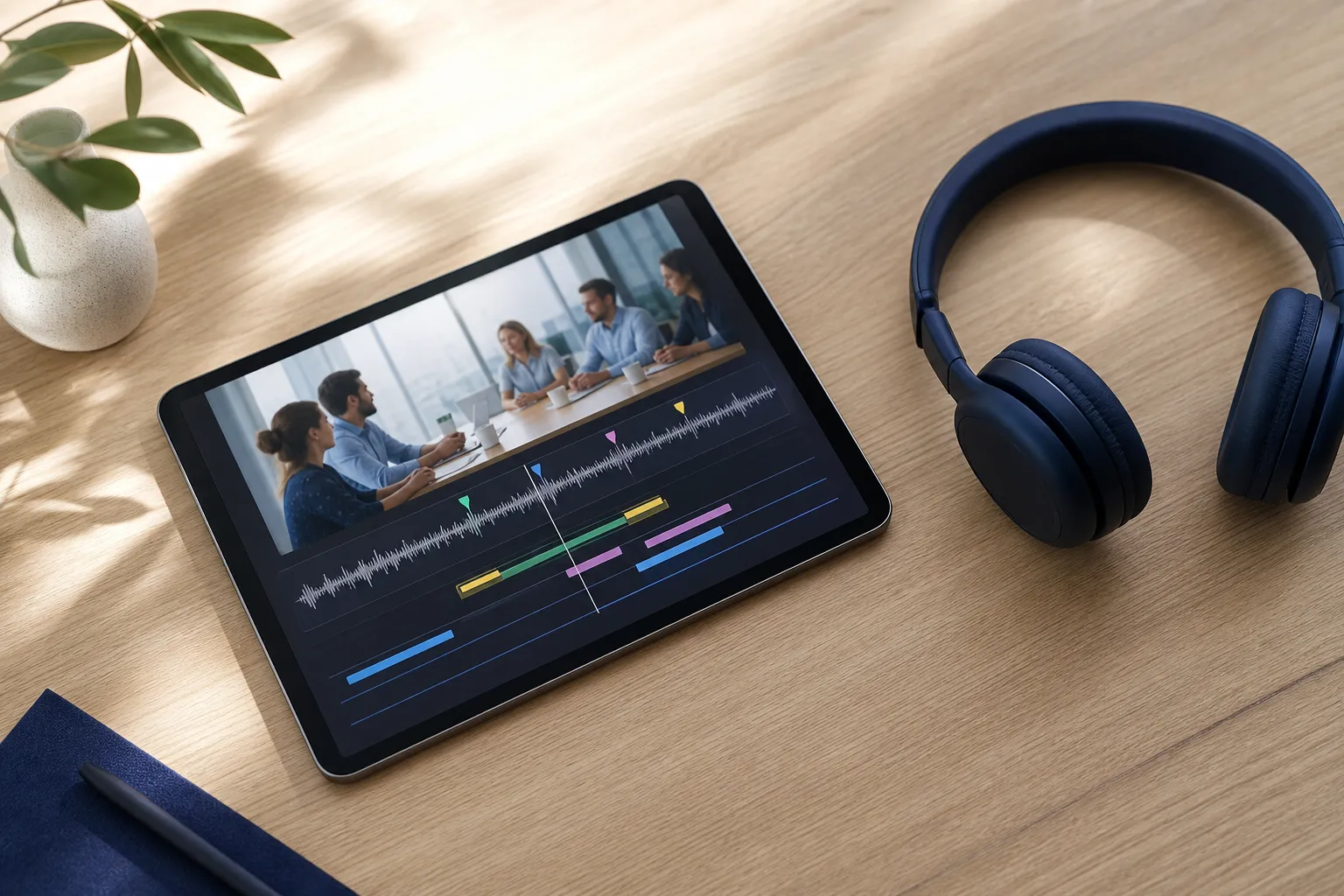
Your team talks for an hour, then spends another half hour turning scattered thoughts into notes. Automated meeting summaries flip that dynamic. Capture the call once, then review a structured recap with action items, decisions, and the exact moments that matter. The result is less time rehashing and more time shipping.
This guide shows what high-quality AI meeting notes include and how to set them up so reviews are fast, precise, and easy to trust.
What great automated meeting summaries include
A good summary is not a wall of text. It is a layered recap that answers what changed, who owns what, and where to verify details. With note1.ai, summaries are built on recorded audio or video, live transcription, speaker labels, and word-level timestamps that make the raw call easy to navigate.
Start with the backbone. The recap captures topics discussed, questions raised, and decisions made. It pulls out action items with owners and timestamps so follow-ups do not get lost. If you need to confirm wording or tone, every summary element links back to an exact point in the meeting recording.
Automated notes should also reflect who said what. Speaker labels make attributions clear and editable, which helps when similar voices confuse diarization. If your team works across regions, multi-language transcripts keep notes readable without forcing everyone onto the same language.
- Topics: Coherent sections of the conversation, tagged for quick scanning and later search. Example: “Login performance” covering metrics, bottlenecks, and proposed fixes.
- Questions: Open items the team asked, captured with context. Example: “Do we roll back the auth library or hotfix the rate limiter?”
- Decisions: Explicit conclusions with enough context to stand on their own. Example: “Switch to 2-week pilot with staged rollout to 10% of users.”
- Action items: Follow-ups with owners, due dates when spoken, and timestamps back to the recording. Example: “Jordan to draft customer comms by Thu 5 PM — 00:43:12.”
- Verification path: A searchable transcript with timeline highlights so you can jump to the right moment and confirm nuance.
If you already rely on meeting transcription software, this structure is what turns raw text into reliable AI meeting notes you can share with confidence.
Set up capture that preserves context
Automation starts at capture. note1.ai records meetings on Google Meet, Microsoft Teams, and Zoom with video playback, then layers AI on top for summaries and search. Treat it as your Zoom transcription app, Teams recorder, and Meet notetaker in one consistent workflow.
Connect your calendar
Sync Google Calendar or Outlook so scheduled meetings are auto-prepared and organized under the right workspace. This removes manual steps and ensures important calls are captured with the right titles, attendees, and context.
Enable live transcription
Turn on live transcription so participants can follow along during the call. Real-time text helps clarify points and makes it easy to correct names or technical terms on the spot. For multilingual teams, enable multi-language transcription so everyone can read and review in the language they prefer.
Use Prep Notes
Add prep material, links, questions, and requirements before the call using Shared Prep Notes. This primes the model to track what matters. If your agenda lists “finalize rollout timeline” and “owner for API deprecation plan,” the recap will mirror that and elevate those outcomes.
Check speaker labels
Assign and review speaker names early. Clean labels make it clear who proposed an idea, who raised a risk, and who accepted ownership of a task. Correct labels during or after the call if needed so extracted owners and attributions stay accurate.
Mind audio quality and consent
- Use a headset or quiet room to reduce crosstalk and improve diarization.
- Avoid talking over one another during key decisions. Short pauses help the model segment turns and capture intent.
- Announce recording and transcription at the start. This sets expectations and keeps reviews shareable.
From transcript to decisions and accountable actions
Once the meeting ends, note1.ai transforms the transcript into a structured recap. It detects topics and questions, surfaces key decisions, and arranges them in a readable flow that mirrors your agenda. Instead of scanning an hour of text, you review a few clear sections that map to outcomes.
Decisions deserve special handling. The tool flags them explicitly so you can confirm wording and intent. If a debate spanned multiple turns, timeline highlights and timestamps let you jump to those exchanges to assess nuance before finalizing the summary. Edit the decision text if wording matters to a legal, customer, or release note audience.
Action items are where automation proves its value. note1.ai extracts follow-ups with owners, context, and timestamps so you can move straight to execution. To help the model, use explicit phrasing during the call:
- Ownership: “Jordan will send the updated deck by Thursday.”
- Deadlines: “Cutover date is March 28, 5 PM PST.”
- Clarity: Replace pronouns with names. Say “Priya” instead of “they.”
Each action item carries a short description so it is not just a verb and a name. If the follow-up was triggered by a risk, a client ask, or a dependency, that context shows up in the recap along with a timestamp back to the discussion. Right after the meeting, spend two minutes skimming extracted actions. Edit owner names if you corrected speaker labels and confirm wording against the timestamped playback. This keeps your task list faithful to what the team agreed.
This structure is equally valuable whether you are producing Microsoft Teams meeting notes for a weekly program review or documenting design choices from a Google Meet workshop. In both cases, the combination of topics, questions, and decision detection shortens review time and reduces risk of misalignment.
For teams shipping mobile apps, clarity saves cycles. A QA lead using FlyTrap to explore a flaky login flow still needs a crisp record of what was tried, what broke, and what the team agreed to fix. Automated meeting summaries capture those decisions and action items with owners and timestamps so the next test run starts on the same page.
If you want deeper coaching, speaker analytics show who dominated the conversation by talk time, word count, and speaking speed. Facilitators can use this to balance airtime so decisions do not reflect only the loudest voices.
Search, highlights, and a repeatable 5-minute follow-up
Fast follow-up depends on fast retrieval. note1.ai gives you searchable playback so you can jump from a phrase to the exact timestamp in the recording. Search by topic, phrase, or speaker, then confirm decisions or capture quotes without scrubbing through an hour of video.
Timeline highlights mark key moments, including detected questions and topics. When a teammate asks “Did we commit to a two-week timeline or three,” search “two week” and land on the precise exchange where the decision happened. The transcript and highlights act like bookmarks placed for you.
Because recordings and summaries are tied to your calendar, everything is organized under the right workspace. Your Zoom one-on-ones, Google Meet design reviews, and Teams standups do not pile into a single folder. You find what you need by meeting and by team, which shortens review cycles and reduces context switching.
Use this 5-minute routine after each call:
- Scan the recap for decisions and actions. Edit owners or titles if needed.
- Click timestamps to verify any risky assumption or contractual phrasing.
- Skim timeline highlights for open questions you need to resolve next.
- Add one bullet to Prep Notes for the next meeting to prime follow-up.
- Share the recap with attendees, or send the automatic meeting recap to Slack, so everyone aligns on outcomes.
Key takeaways
- Automated meeting summaries should capture topics, questions, decisions, and action items with owners and timestamps.
- Set up clean capture with calendar integration, live transcription, accurate speaker labels, and solid audio.
- Use Shared Prep Notes and clear in-meeting phrasing to boost summary quality.
- Leverage searchable transcripts and timeline highlights to verify details fast.
- Treat the recap as your source of truth for Microsoft Teams meeting notes, Google Meet reviews, and Zoom follow-ups.
Combine reliable recording with structured AI meeting summaries and you reclaim time from note taking, reduce rework, and move decisions into delivery.
Keep reading
Related articles
Continue with suggested resources that build on this topic.