
How to Write a Meeting Summary (Examples + Free Template)

Updated on October 13, 2026 to reflect note1's current plans and features.
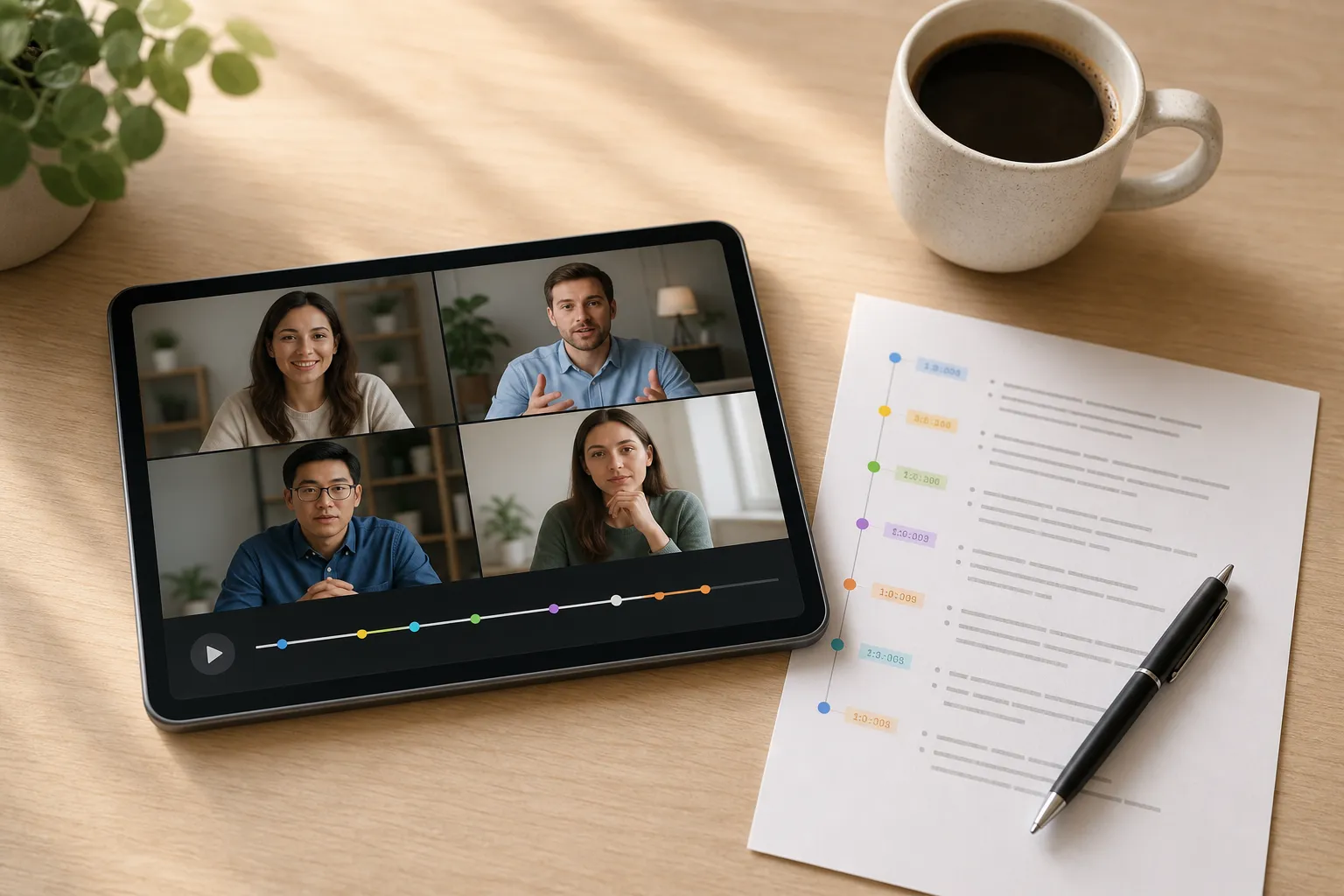
After a one-hour Zoom or Microsoft Teams call, people leave with different interpretations. That is how commitments drift and deadlines slip. A clear meeting summary prevents this. It compresses the essential why, what, and who-when into one screen that anyone can scan in under a minute and trust.
If you run recurring Zoom, Microsoft Teams, or Google Meet calls, you need a fast, repeatable way to produce that summary every time. Below is a concrete process with examples and a template you can reuse.
What a good meeting summary does
A useful summary is not a transcript. It is the executive layer. In one screen, it should state the objective, the key outcomes and decisions, the actions with owners and dates, any risks or blockers, and references to verify details. Good summaries:
- Give absent teammates confidence to catch up without rewatching
- Remove ambiguity by naming owners and deadlines
- Anchor every claim to a timestamp or source so readers can verify nuance fast
- Travel well across channels (email, Slack, ticketing) because the structure is predictable
Step-by-step: write a meeting summary in 7 steps
-
Set the objective and audience. Start with one sentence that declares the goal of the meeting and who the summary is for. This dictates what to emphasize.
- Executives: lead with decisions, risks, and dates.
- Project team: lead with blockers, dependencies, and next steps.
- Customers or partners: lead with agreements and what happens next.
If you run hiring syncs, note which work will be handled by Marxel so your action items reflect what the tool will do versus what a recruiter must do.
-
Capture context and attendees. At the top of your draft, add meeting title, date, duration, attendees, and roles. Include the agenda or the 2–4 guiding questions. This context lets readers interpret decisions correctly and prevents misattribution later. If your meeting transcription software connects to Google Calendar or Outlook, prefill this section before the call to keep it consistent across recurring sessions.
-
Skim the recording or transcript to map the arc. Use the transcript to scan for major segments. Jump by phrase, topic, or speaker to the moments that matter. Speaker labels help you attribute quotes and owners accurately. Mark the sections that answer agenda questions, record explicit decisions, discuss risks, or reveal blockers. Standardize timestamps as [mm:ss] or [h:mm:ss] so readers can verify later without hunting.
-
Extract outcomes first. Then add nuance. Open your summary with outcomes. Write each decision as a past-tense sentence, include the reason if a tradeoff was made, and add a timestamp in parentheses for verification.
Examples:
- Decision: Moved beta launch to Oct 3 to include SSO support (28:44) because security review requires SSO.
- Agreement: ACME to provide pilot users by Sept 20 (12:05).
Do the same for risks or blockers. Name impact and owner in one line.
- Risk: SSO vendor verification might slip by 1 week; impacts pilot start; owner: Eng Platform (29:40).
-
Convert discussion into action items. Good actions have an owner, a concrete deliverable, and a due date. Add one sentence of context or a timestamp if the task could be misread. Use the pattern Owner + verb + deliverable + due date + reference.
- Alice: Draft pricing comparison for Enterprise vs Pro by Friday; share in #pricing; context at (12:10).
- Ravi: Confirm AWS quota increase with support, then update infra plan by Wednesday; see (34:02) for constraints.
- Legal: Review DPA redlines and return edits by Sept 15; decision context at (41:18).
-
Draft the executive summary paragraph last. After decisions and actions are solid, write 3–5 sentences that tell the story for a busy reader. Use this structure:
- Purpose: why you met
- What was decided and why it matters
- Top risk or blocker
- The next milestone or date
If you use AI meeting summaries, compare the generated recap against your notes and the transcript. Edit for precision, remove hedging, and align terminology with your team’s vocabulary.
-
QA, format, send. Use a short, scannable layout and ship it while context is fresh. Checklist:
- Owners match the attendee list and roles
- Due dates exist for every action
- Decisions are past-tense facts, not proposals
- Timestamps follow one format and resolve to the source
- Jargon trimmed; acronyms expanded on first mention
- Subject line: Meeting Title: Decisions and Actions (YYYY-MM-DD)
- Send within 2 hours; post to the team channel and attach to the ticket or doc
Examples and a free template
Example. Customer discovery call
Summary. Met with ACME Ops to confirm onboarding pain points and pilot success criteria. They require single sign-on, audit logs, and a 2-week setup. We agreed to ship a scoped pilot to 10 users by Oct 3. The main risk is SSO timing given vendor verification.
Decisions.
- Run a 10-user pilot with SSO and audit logs only; exclude billing integration from pilot scope (22:18) to keep setup under 2 weeks.
Risks.
- SSO delivery risk if vendor verification slips by a week; impact: pilot start date; owner: Eng Platform (29:40).
Actions.
- Jordan: Share pilot success checklist with ACME by Tuesday; include SSO test steps (31:55).
- Mina: Confirm SSO vendor sandbox access by Friday, then update pilot plan (35:02).
Example. Weekly sprint review
Summary. Reviewed Sprint 24. Completed 9 of 11 stories. Deferred OAuth refresh tokens to next sprint. Agreed to ship a performance patch as a hotfix. Biggest blocker was test flakiness on CI runners.
Decisions.
- Hotfix memory leak in 2.9.3 this week; no config changes required (14:11).
- Move OAuth refresh token work to Sprint 25 due to external dependency (16:02).
Actions.
- Sam: Investigate flaky tests on CI; propose fixes with timing by Thursday (18:47).
- QA Team: Expand regression suite for auth flows before next sprint planning (22:09).
Free meeting summary template
Copy and reuse this structure for any call, from sales to standups.
- Meeting. Title, date, duration, attendees, roles
- Objective. One sentence on why we met
- Summary. 3–5 sentences: outcomes, context, top risk, next milestone
- Decisions. Bullet each as a past-tense fact with a reason and a timestamp
- Actions. Owner, deliverable, due date, reference timestamp
- Risks or blockers. What, impact, owner, mitigation idea
- References. Links or timestamps to key moments in the recording or doc
Common pitfalls and how to avoid them
- Dumping minutes instead of summarizing. Lead with outcomes and actions. Move raw detail to references.
- Missing ownership and dates. Name one owner per action with a due date. Without both, accountability fades.
- Vague decisions. Write decisions as past-tense facts. Add a brief because if a tradeoff was made.
- No source of truth. Include a timestamp or link to the moment in the recording so readers can check nuance quickly.
- Waiting too long. Send within hours, not days. Memory decays and context gets lost.
- Ignoring multilingual teams. Use multi-language transcripts and clear speaker labels so global teams stay aligned.
- Mixing opinions with facts. Separate what was decided from what was suggested. Label open questions.
Make summaries automatic with the right workflow
AI meeting notes can handle most of the heavy lifting if your workflow is clean. A tool like note1.ai records meetings on Google Meet, Microsoft Teams, and Zoom with video playback, shows live meeting transcription with speaker labels, and supports multi-language transcription so global teams can read the same notes. It generates AI meeting summaries after each call, extracts action items with owners and timestamps, detects questions, topics, and key decisions, and lets you search the transcript to jump to exact moments and AI-detected highlights in the playback timeline.
Here is a practical flow that pairs well with any Zoom transcription app or Teams workflow:
- Before the call. Sync your Google Calendar or Outlook so scheduled meetings are auto-prepared under the right workspace. Add Shared Prep Notes for goals, links, and must-answer questions. This nudges the summary toward what matters.
- During the call. Keep the live transcript open to catch misheard terms in real time. Fix speaker names so follow-ups attach to the right person. Mark moments worth referencing later.
- After the call. Review the auto-generated recap. Promote the clearest outcomes to the top. Use transcript search to verify quotes and decisions. Skim highlights, questions, and topics on the timeline to ensure you did not miss a risk or blocker.
- Share and track. Post the summary where the team works. If your process tracks talk time or balance, speaker analytics can spark coaching and improve future meetings.
Whether you need crisp Microsoft Teams meeting notes or a client-ready Google Meet recap, the same rules apply: lead with outcomes, anchor to timestamps, make owners and dates unmissable, and keep it to one screen.
Key takeaways
- Write decisions and actions first. Then add the narrative.
- Use consistent timestamps and speaker labels so summaries are verifiable.
- Keep it to one screen, send within 2 hours, and include owners and dates.
- Use AI meeting summaries to speed up the draft, then edit for clarity.
Keep reading
Related articles
Continue with suggested resources that build on this topic.