
How to Sign In to note1 with Google or Microsoft (SSO)

The fastest way to get into note1 is with an account you already have. Click one button, pick your Google or Microsoft account, and you are in — no new password to invent, remember, or reset. If it is your first time, the same click also creates your note1 account. No email verification step.
A quick note on wording: by SSO we mean signing in with your existing Google or Microsoft account. If you are looking for enterprise SSO (SAML, Okta, domain enforcement), that is on our roadmap for Business plans — ping us if your team needs it.
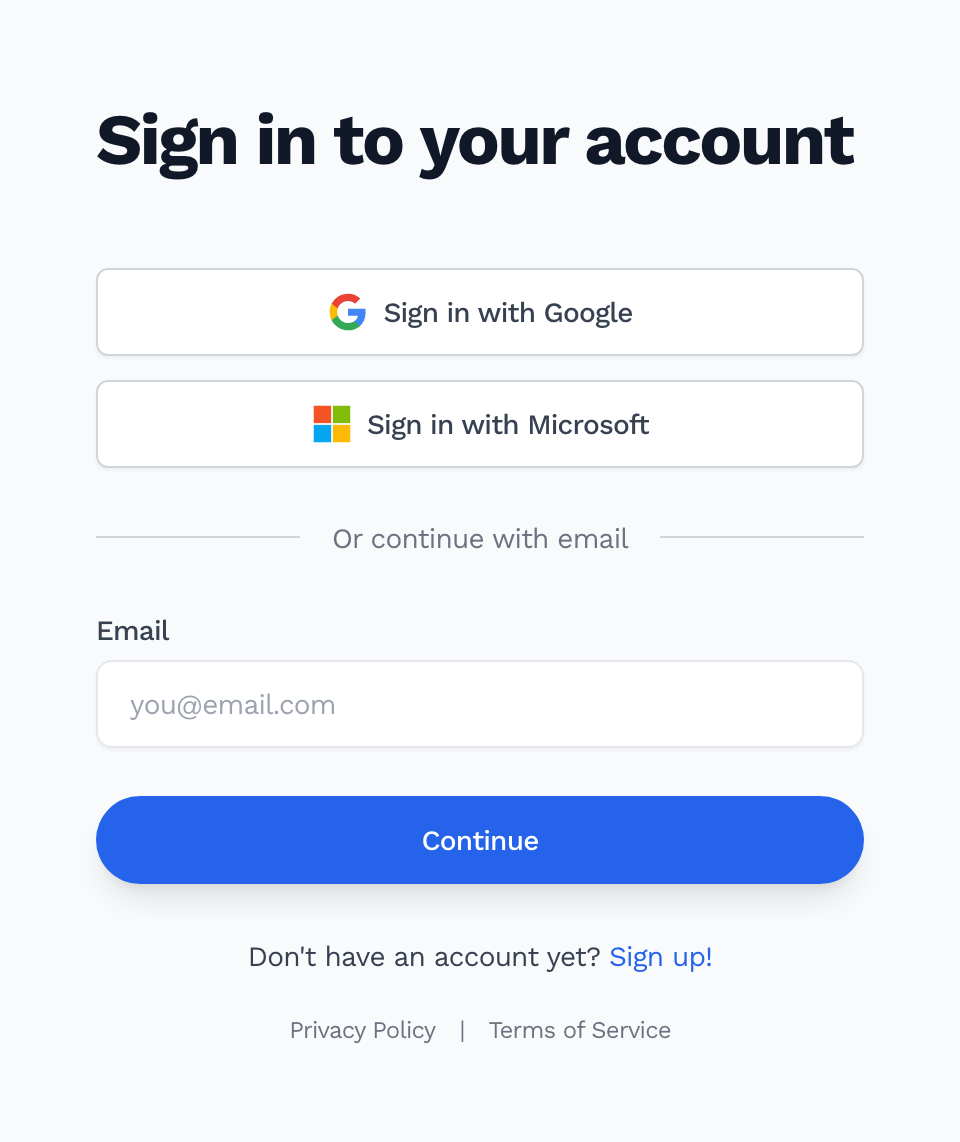
Sign in with Google
- Go to note1.ai and click Log in
- Click Sign in with Google
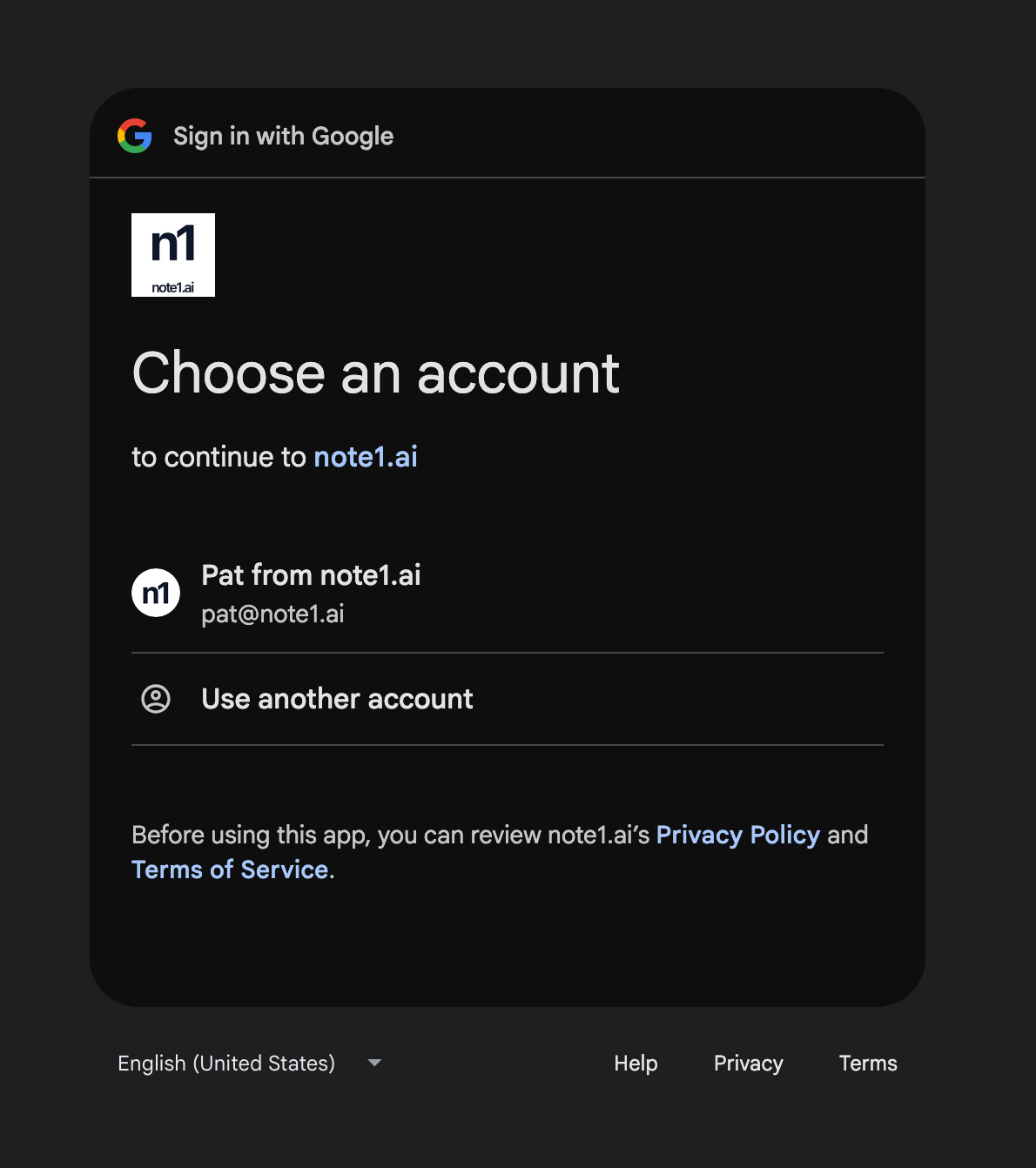
- Choose your Google account (or enter your Google email and password)
- Click Continue to confirm
- You land in your note1 dashboard — done
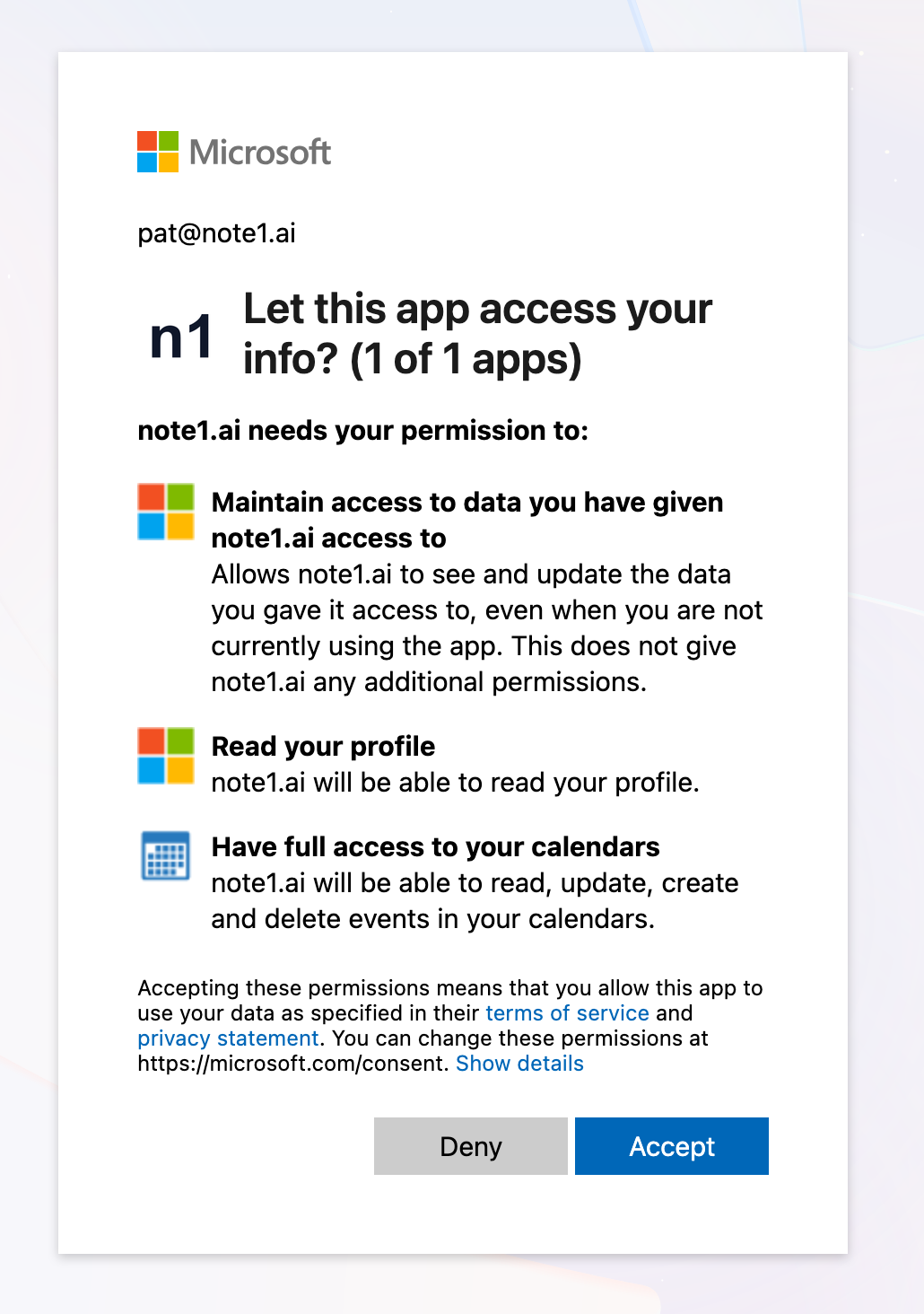
Sign in with Microsoft
- Go to note1.ai and click Log in
- Click Sign in with Microsoft
- Choose your Microsoft account — personal and work/school accounts both work
- Click Accept to confirm
- You land in your note1 dashboard
Next: connect your calendar
Signing in only identifies you — it does not give note1 access to your calendar. That is a separate, deliberate step, so you stay in control of what note1 can see.
To let note1 join and record your meetings:
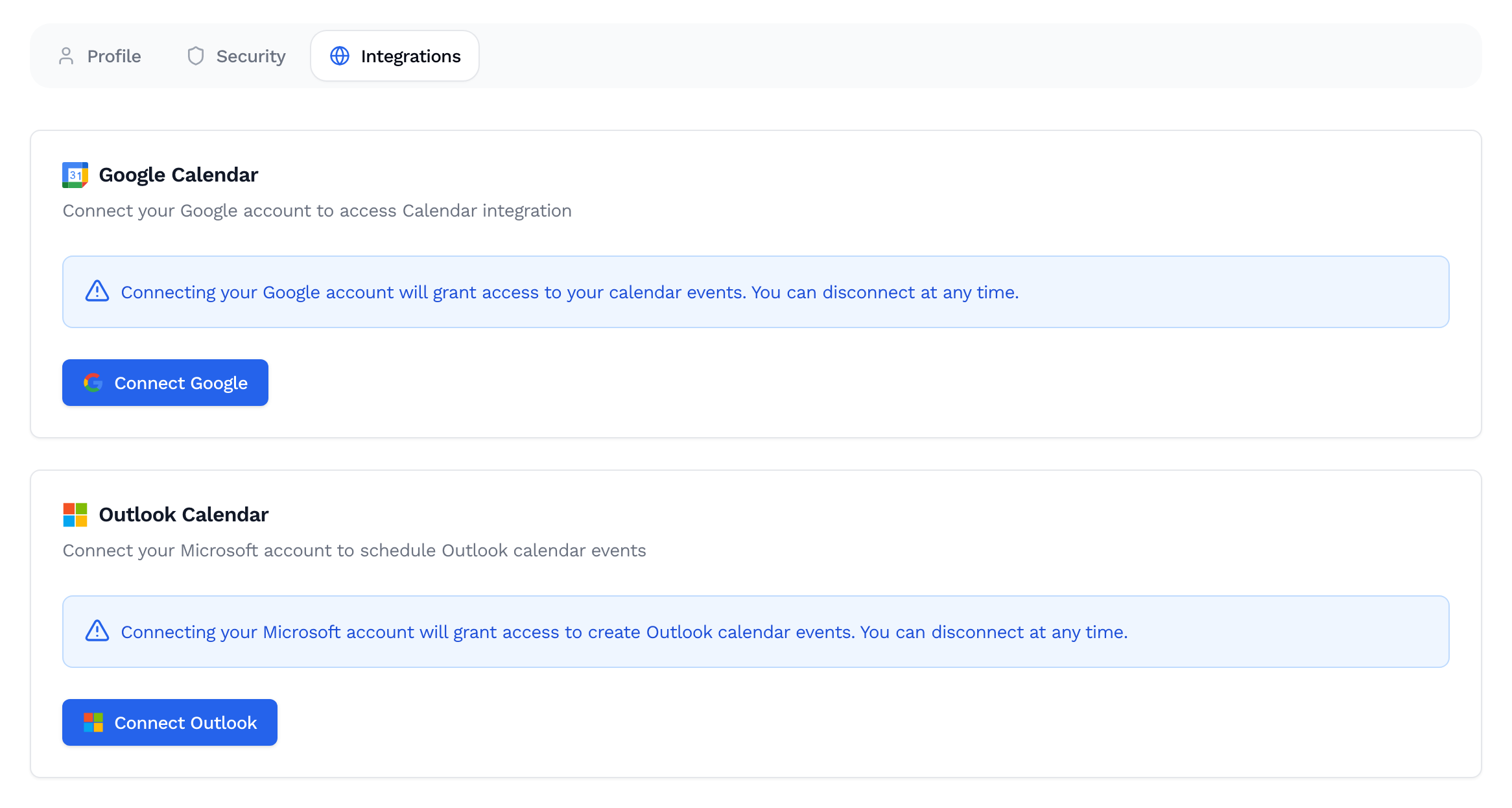
- Open Dashboard → Account → Integrations
- Click Connect Google (Google Calendar) or Connect Outlook (Microsoft)
- Approve the calendar permissions
Once connected, your upcoming meetings show up in note1 and you choose which ones get captured, transcribed, and summarized.
FAQ
I already have a note1 account with email and password. Sign in with Google or Microsoft using the same email address and you get the same account — nothing to migrate.
My work account is blocked. Some companies restrict third-party apps. Ask your workspace admin to approve note1, or sign in with a personal account in the meantime.
Do you support SAML / enterprise SSO? Not yet — it is on the roadmap for Business plans. Tell us what your IdP setup looks like and we will keep you posted.